
Make communication easier for photo selection with client.
Vault
Create a private client photo selection link in minutes.
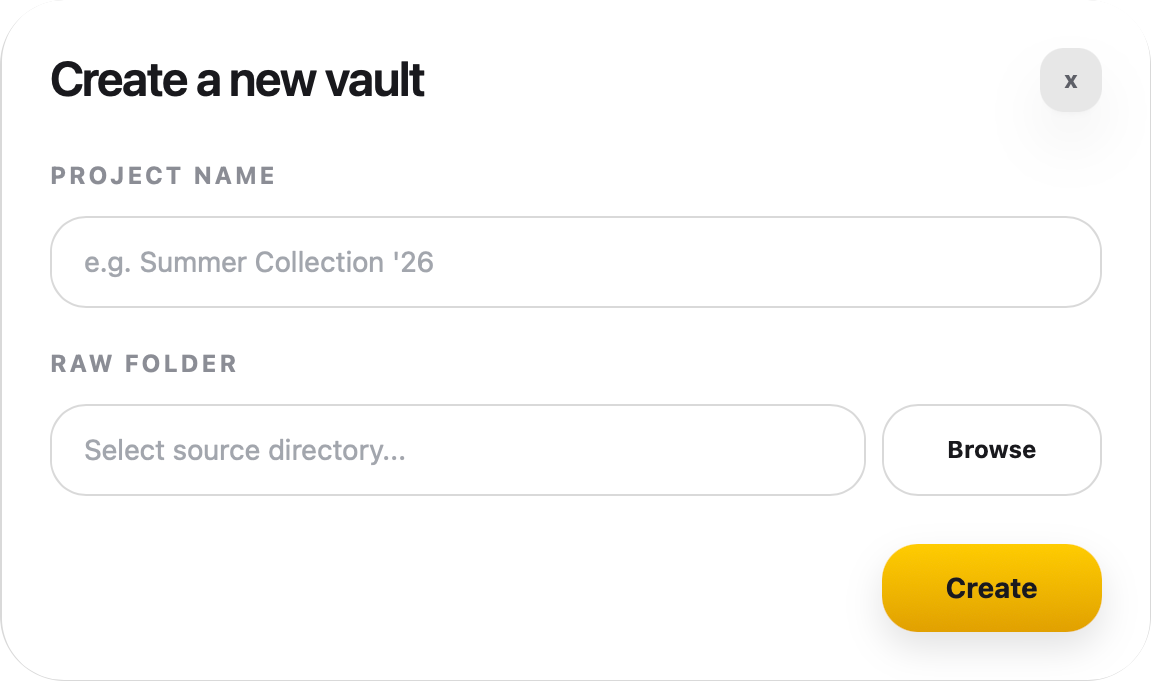
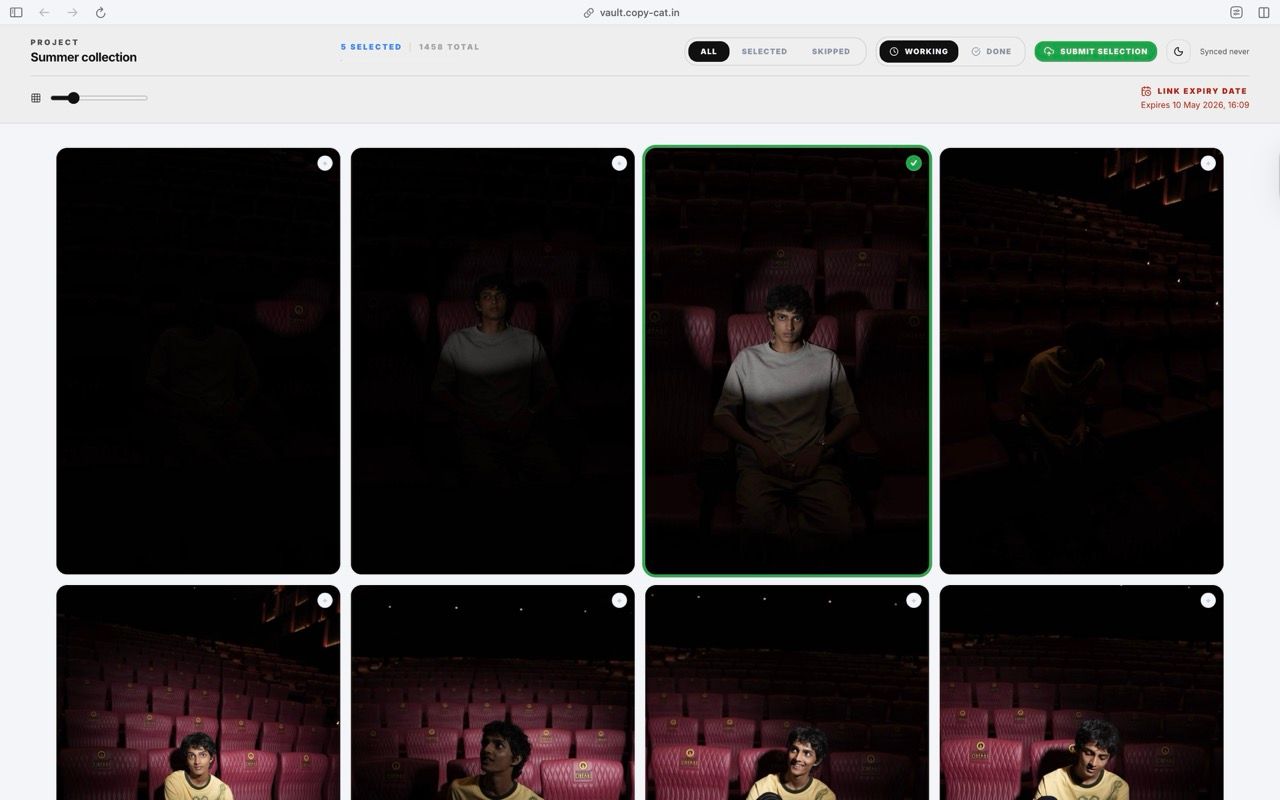
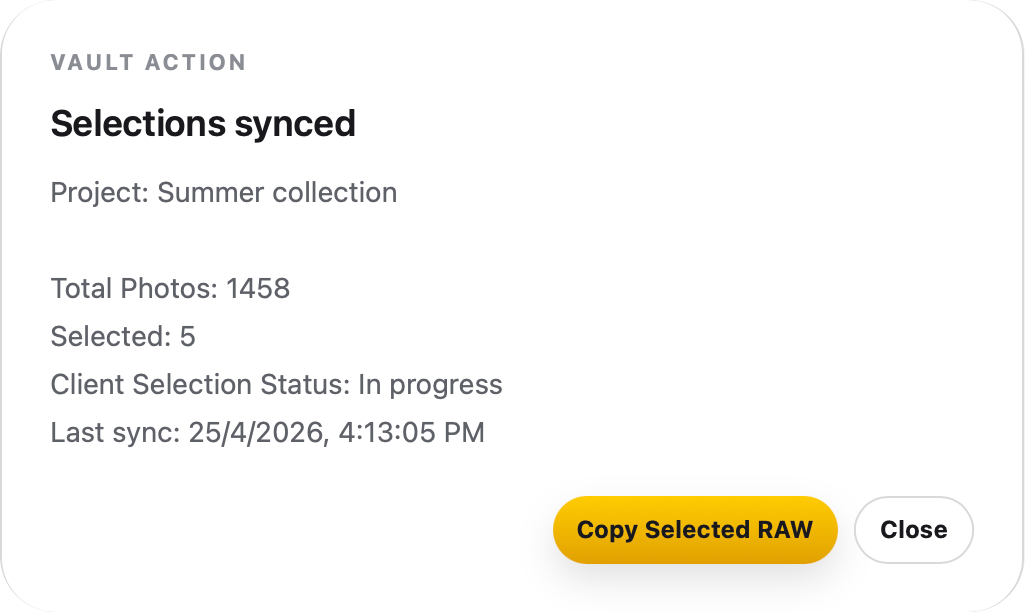
Turn any shoot folder into a clean review page your clients can open on any device. They pick their favourites, and the selections sync back to your desktop workflow automatically.
No screenshots. No filename lists. No “DSC0042.jpg looks nice.”
How it works
Use cases
Make communication easier for photo selection with team.
Make communication easier for photo selection with internal team.
Before / After
- Photo selection done in 30mins
- Photo selection take 3 hours
Features
you Highres files are compresses automatically
No app install, works on any devices
You dony need to find and copy the selected files manually.
Reviews
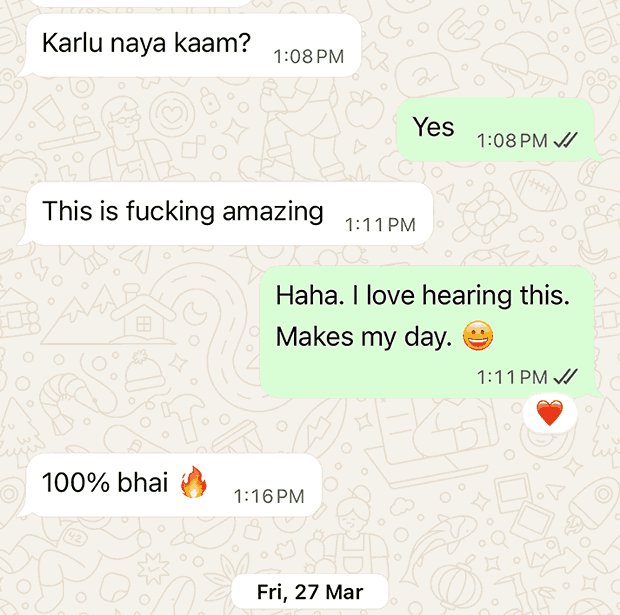
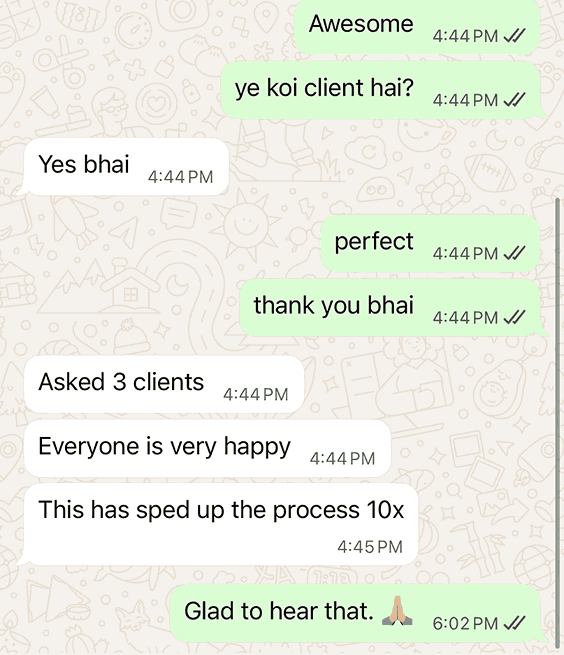
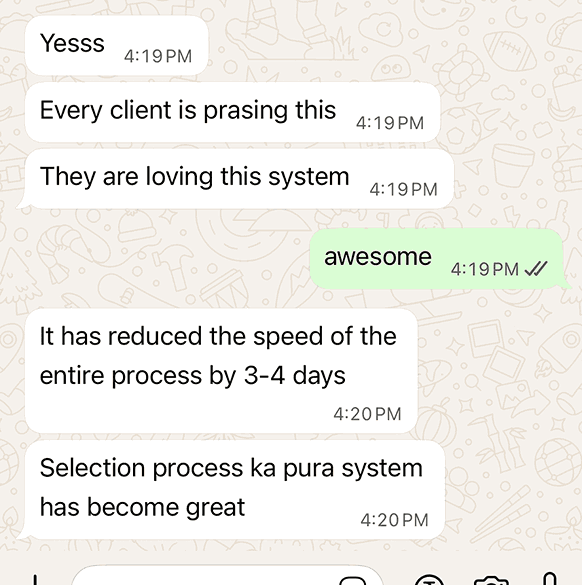
Stop playing 'which file do you mean?'
Download Copycat free and set up your first Vault in under 5 minutes.
FAQ
What is Vault?
Vault is the shared review space for proofing, approvals, and final handoff.
Do I need to upload everything?
No. Vault is built to share lightweight previews, not your entire project. Your originals stay local. Selections come back. You work on the real files.
Is Vault public?
No. Vaults are private, password-protected, and optionally expiring. You control who sees what, and for how long.
It’s a photo selection experience, not a public gallery.
Who is Vault for?
Anyone sending a large set of options and waiting for decisions. Clients picking photos. Teams shortlisting takes. Founders choosing designs.
Why not just use Google Drive or Dropbox?
lol. are you sure?